Builds 68–70 · Meetings, controller & Mac
Beta 70: Any Other Business
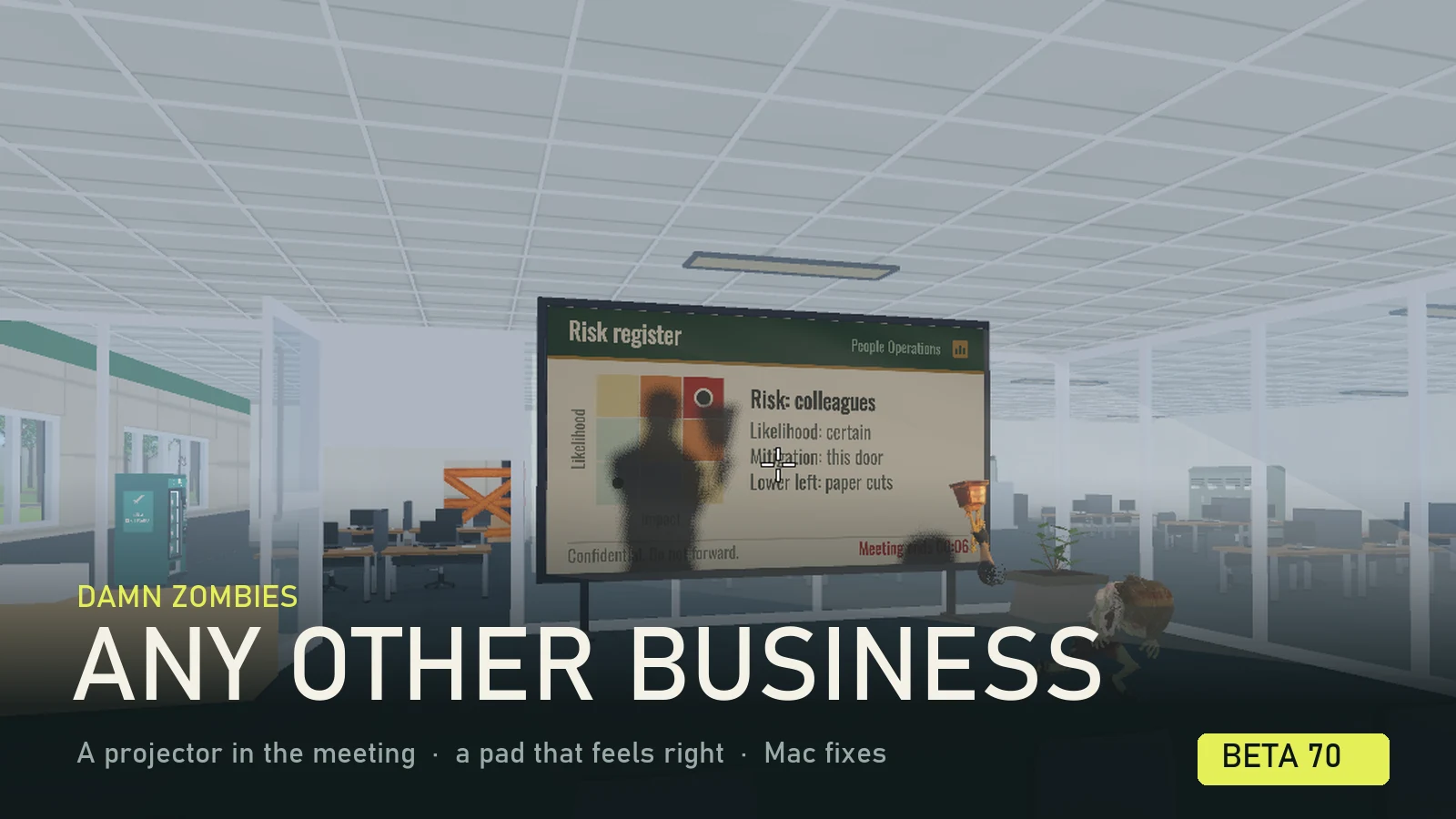
Facilities has found the old carousel projector in a cupboard and booked both meeting rooms. Attendance is mandatory. The undead have accepted.
This post covers the three builds since Beta 67. Beta 70 puts a projector in the Mandatory Meeting, moves the controller onto the layout shooter players already know, and gives the Motion Carried cleaner sights. Beta 69 stops large and high-density screens costing you frame rate, and Betas 69 and 70 fix three things that only went wrong on a Mac. Beta 68 was a single fix for the tutorial's cutscenes.
A projector in the meeting
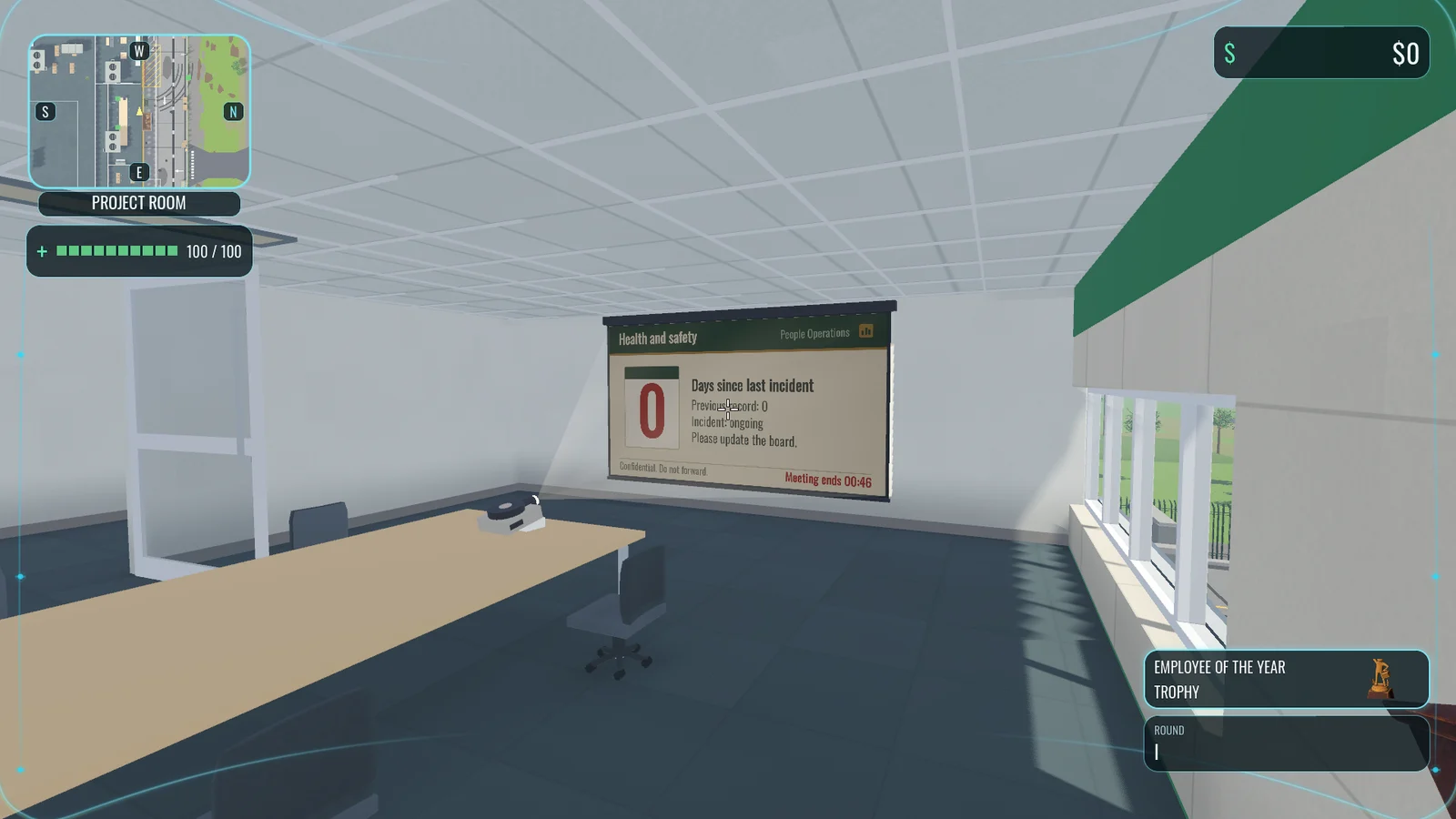
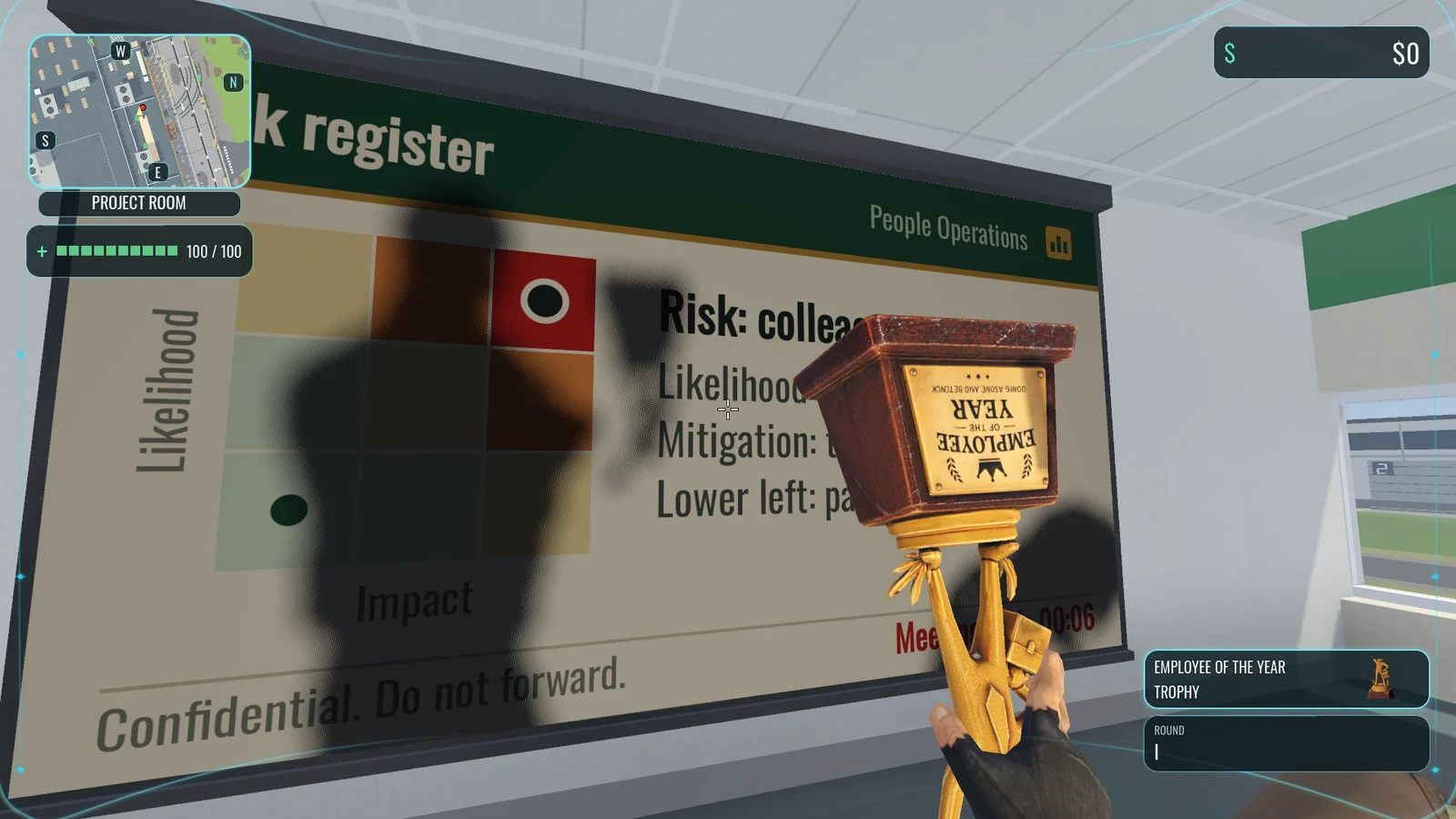
When you answer the Mandatory Meeting call, the room it picks now has an old carousel projector on the end of the table and a screen on the wall. The deck used to be four purple slides drawn as boxes in front of the wall. Now it is six slides on one corporate template, ten seconds each: Q4 retention review, Health and safety, Org restructure, Free fruit Friday, Agenda and the Risk register. The Risk register comes last on purpose. Once everyone is in the room the clock drops to its final ten seconds, and the mitigation it lists is “this door”.
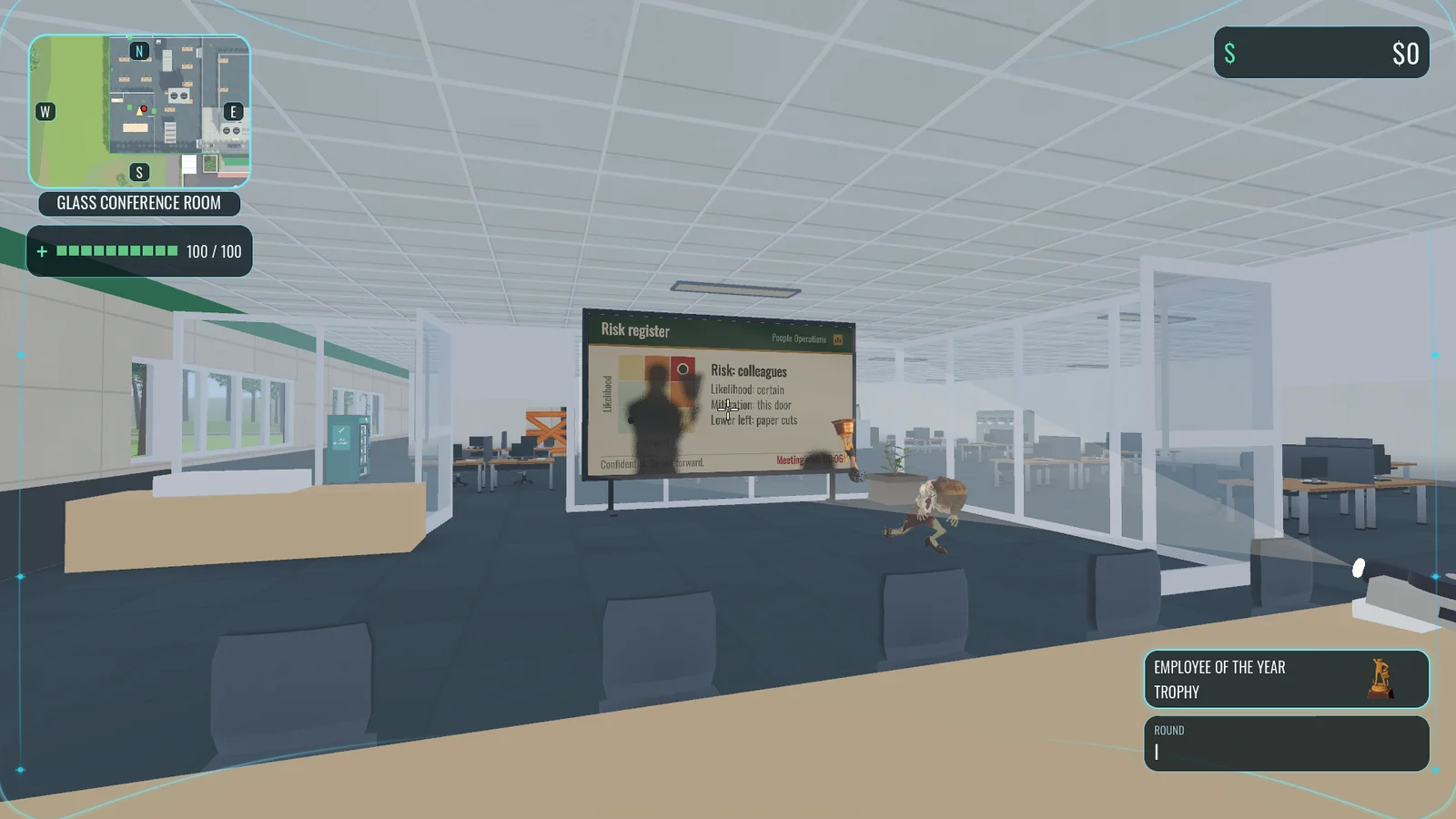
The picture is projected light, not a glowing panel. Anyone standing in the beam, whether survivor, teammate or zombie, blocks part of the slide, leaves a shadow on the screen and has the slide thrown across their own body. In first person you see your own shadow too, whenever you are within 10 m of a running projector. The projector whirrs while it runs and clunks on every slide change.
A controller laid out like a shooter
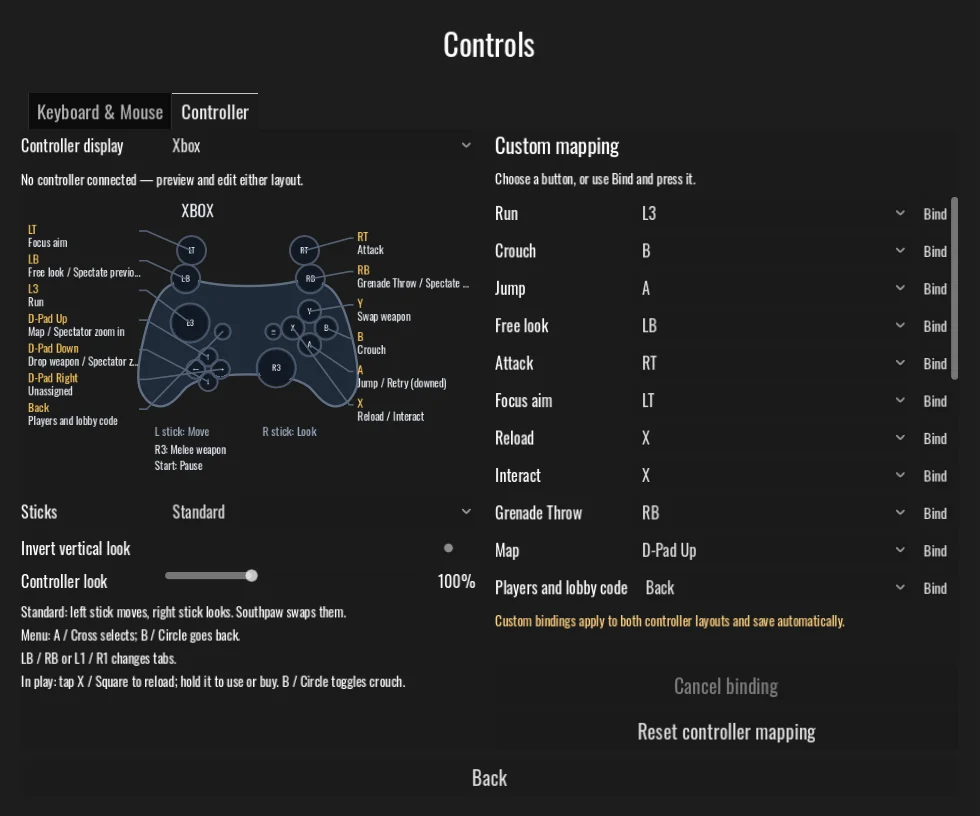
Players told us the controller did not feel natural, and they were right. Four of its defaults were unique to this game rather than anybody's habit, and reloading took two presses. The pad now uses the layout other shooters do:
| Control | Was | Now |
|---|---|---|
| Crouch | LB | B, and it toggles: jumping or running stands you back up |
| Melee weapon | B | R3, clicking the right stick |
| Grenade throw | D-pad | RB |
| Free look | R3, clicking the stick you were turning | LB, held |
| Reload | X, pressed twice | X, one tap |
X still uses and buys too: tap it to reload and hold it to buy or repair. With nothing to use nearby, or at a machine you cannot afford, the tap reloads straight away. Crouch toggles rather than holding because holding B takes your thumb off the look stick. On a PlayStation pad the same buttons are Circle, R3, R1, L1 and Square.
If you never changed your controller bindings, you get the new layout automatically. If you did, your bindings are kept. Reset controller mapping on the Controls page switches you to the new layout.
Motion Carried: one sight, not two
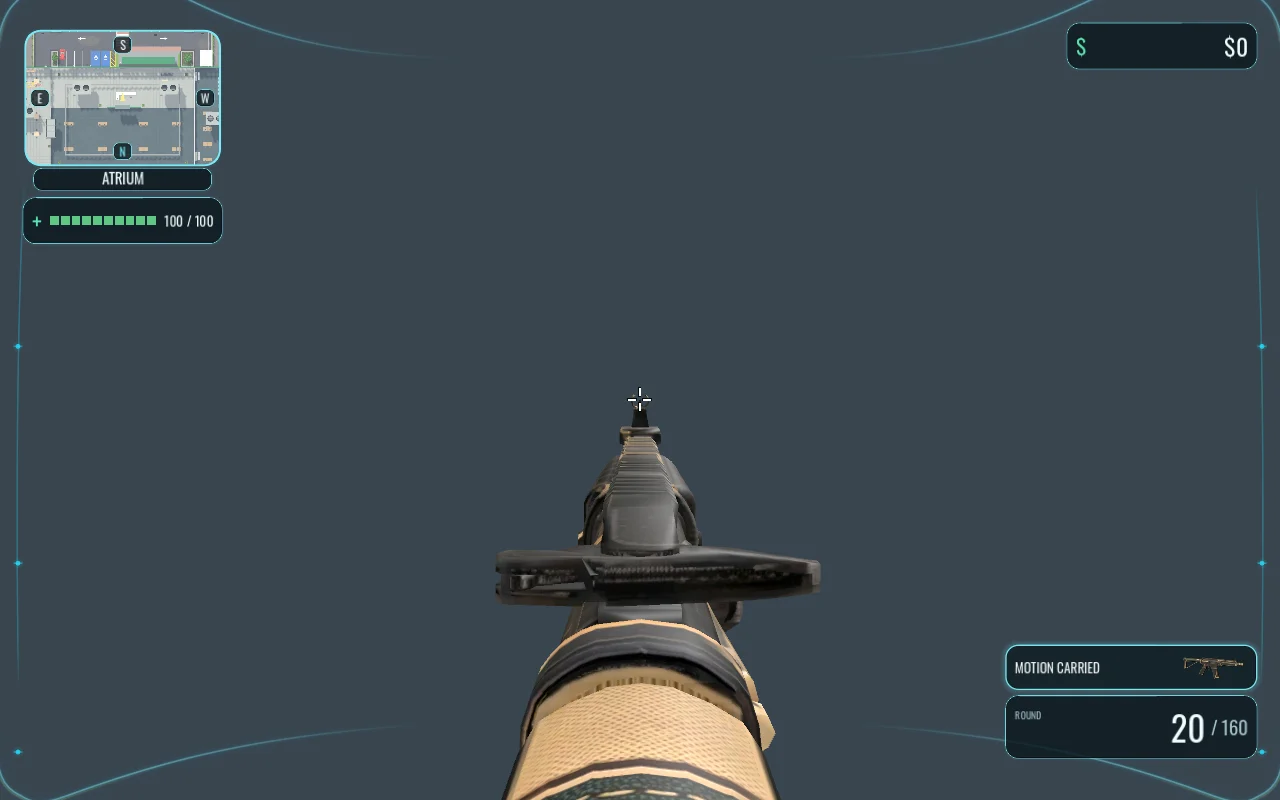
When you aimed the Motion Carried, your eye sat a hand's width behind the brass rear sight it came with, so the sight housing was the biggest thing on screen and boxed in whatever you were shooting at. The rear sight is gone. You aim with the front post, now held as far from your eye as the Sales Rifle's, and the gun stays level when you aim. At the hip the carbine is level too, and its muzzle sits where the Sales Rifle's does.
Big screens stop costing frames
Render resolution used to be a percentage of the window, so going full screen on a big monitor quietly multiplied the work. Medium's 100% on a 3440 × 1440 ultrawide drew 2.4 times the pixels of the 1080p screen we tune on. From Beta 69 the 3D world is drawn at no more than 1920 × 1200 and scaled up to fit, and the render resolution setting is a percentage of that. The HUD and menus are still drawn at your screen's full size, so text stays sharp. In the atrium on that ultrawide, a frame went from 23.5 ms to 16.2 ms.
If you would rather draw the full window and have the graphics card to spare, turn on the new Render at window size setting. It is off in every profile. Your profile and any resolution you chose yourself are kept.
The game also no longer asks for a high-density window. On a Mac with a Retina screen attached, full screen on a 3440 × 1440 monitor had been drawing a 6880 × 2880 window, at 57–76 ms a frame against 30–39 ms windowed. And changing a graphics setting no longer resets the window: a window you had resized, maximised or made full screen with the system's own button stays as it was. Only the Fullscreen option changes it.
Three Mac fixes
- Weapon swapping on a trackpad or Magic Mouse. macOS sends smooth scrolling as a gesture rather than mouse-wheel clicks, so scrolling never swapped weapons. It does now, and the same scroll works with a grenade bound to the wheel and with the spectator's zoom.
- Swapping while running. With Shift held, macOS turns a vertical scroll into a sideways one, so a running survivor could not swap weapons on the wheel. A sideways scroll with Shift held now counts as the normal scroll.
- Firing while crouched. On a Mac, Control and a click is a right click. Control is crouch, so a crouched survivor's trigger pulled up Focus aim instead of firing, and a survivor already aiming dropped the aim on the next shot. The game now reads the mouse buttons themselves on a Mac, so a click while crouched fires.
We tested all three by recreating the events macOS sends, not on a Mac with a real mouse in hand. If one of them still misbehaves for you, please let us know.
And in Beta 68
Your first-person arms no longer hang in the shot during the tutorial's cutscenes, gripping nothing, and a downed survivor's arms no longer stay up for whoever is spectating them. The arms now hide whenever the weapon in your hands does.
Beta 70 is on the download page for Windows, Linux and macOS, and on itch.io, where the app will update it for you.